CloudBerry Drive1.0.0.100
Publisher Description
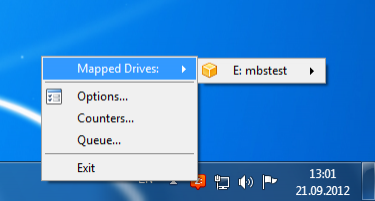
CloudBerry Drive is a tool to map your cloud storage as a local drive to access and edit files in the cloud directly from the Windows Explorer interface. Supports Amazon S3, Amazon Glacier, Rackspace cloud files, Windows Azure, OpenStack Swift, Goolge Cloud Storage
Pricing and licensing:
For desktop version of Windows such as Windows XP/Vista/7/8 you need to purchase the desktop license $29.99
For server version of Windows such as Windows 2003/2008/2012 you need to purchase server license $59,99
You have to buy a license for every computer where you want to use the software.
Benefits:
An ability to map a local disk makes the product user friendly
Strong data encryption protects your data from unauthorized access
Data compression reduces the size of your backups
Data available for recovery 24/7
Intuitive interface provides easy file and folder selection capabilities
No proprietary storage format. You can access your files using other Amazon S3 tools.
About CloudBerry Drive
This File & Disk Management program is available in English. It was last updated on 29 September, 2026. CloudBerry Drive is compatible with the following operating systems: Windows.
The company that develops CloudBerry Drive is CloudBerry Lab. The latest version released by its developer is 1.0.0.100. This version was rated by 1 users of our site and has an average rating of 5.0.
The download we have available for CloudBerry Drive has a file size of 3.1 MB. Just click the green Download button above to start the downloading process. The program is listed on our website since 2012-10-19 and was downloaded 115 times. We have already checked if the download link is safe, however for your own protection we recommend that you scan the downloaded software with your antivirus. Your antivirus may detect the CloudBerry Drive as malware if the download link is broken.
How to install CloudBerry Drive on your Windows device:
- Click on the Download button on our website. This will start the download from the website of the developer.
- Once the CloudBerry Drive is downloaded click on it to start the setup process (assuming you are on a desktop computer).
- When the installation is finished you should be able to see and run the program.
Program Details
System requirements
Download information
Pricing
Version History
version 1.0.0.100
posted on 2012-10-19
First release
